How it Works

How Heirmark works

From identity creation to lifelong product events — a visual flow aligned with OMSX insertion.

Visual flow

Twelve steps

Extremely visual by design. Create → connect → activate → scan → resolve → lifecycle.

01
Create identity

Establish the Heirmark identity record for the product.

02
Connect product

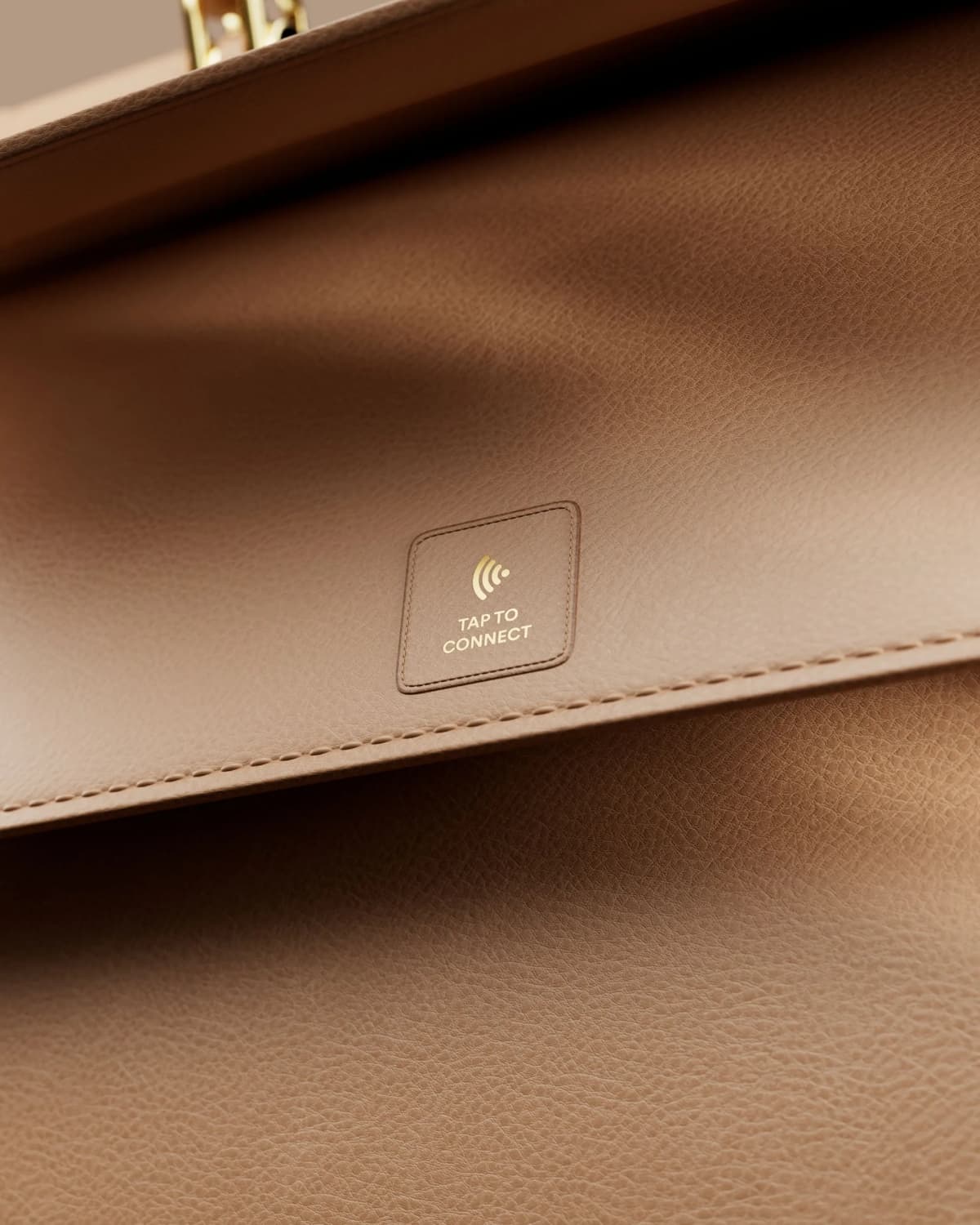
Bridge with QR / NFC / RFID / Serial.

03
Add product data

Materials, origin, care, certifications.

04
Configure passport

Modules, branding, and visibility rules.

05
Assign IDs

Product / batch / unit identifiers.

06
Apply identifiers

On-product and packaging carriers.

07
Validate

Confirm resolution path and status.

08
Activate

Go live for customer scans.

09
Customer scans

QR or NFC interaction at the product.

10
Heirmark resolves identity

Resolver returns the correct experience.

11
Branded passport appears

Brand-controlled presentation — not a generic page.

12
Lifecycle events continue

Ownership, service, resale, retirement.

Existing products

Already manufactured? Heirmark can be applied post-production — identity without waiting for the next collection.

New products

Building something new? Heirmark can be added during product development — matching your OMSX insertion model.

OMSX aligned

Identity-only or against an existing OMSX product

Heirmark sits as the public identity layer — intake → OMSX → workspace → identity requirement — without inventing a second account universe.

Start with Heirmark

Begin intake → OMSX → workspace → identity requirement.

Ready to unlock the potential of your products?

Explore the Heirmark platform.